

Where it applies
- Member and list output after released detailing
- Catalogues for purchasing / production / installation checks
- Version-change impact notes
Confirm scope, versions, coding and reviewed documents before producing executable lists and catalogue notes.
Boundary: first release does not auto-split kits, import BIM, or generate CNC files; no downloads without real files.
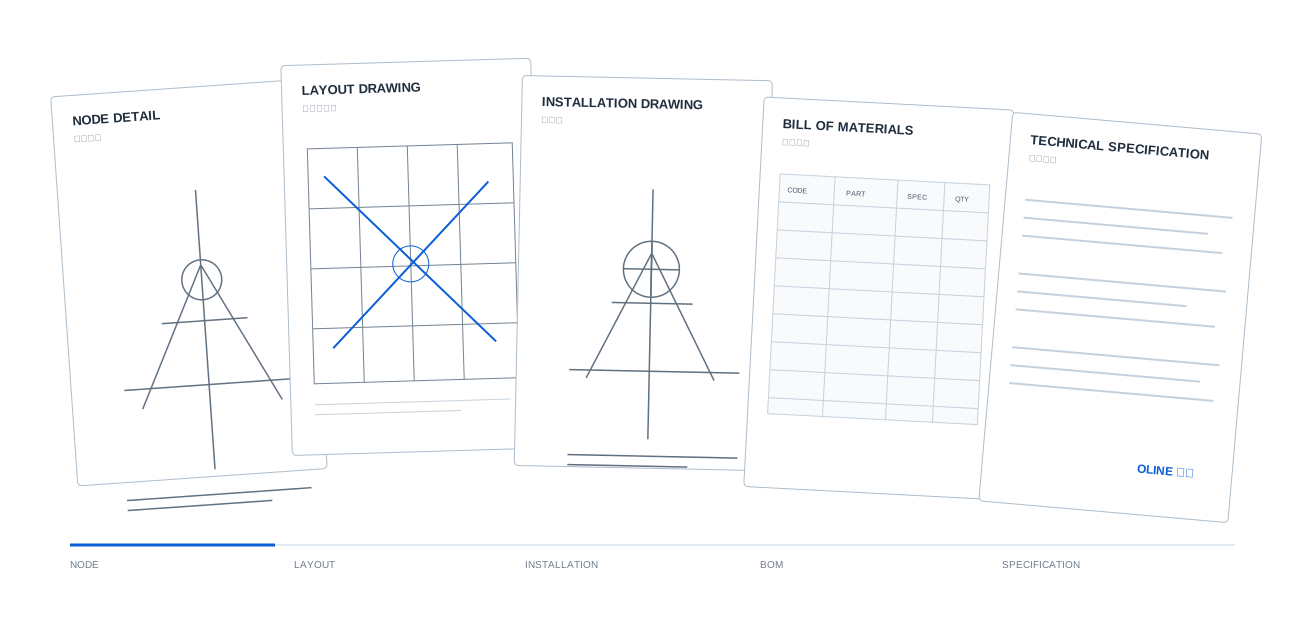
Show one verifiable relationship. Do not simulate automatic model explosion.
Swipe horizontally to view the full mapping table.
| Member code | Drawing | BOM line | Relationship |
|---|---|---|---|
| P-001 | DWG-PLAN-01 | BOM-01 | Plan location → primary BOM line |
| C41×41 | DWG-SEC-02 | BOM-02 | Section size → channel line |
| BR-04 | DWG-NODE-03 | BOM-03 | Node detail → brace line |
| M12×90 | DWG-NODE-03 | BOM-04 | Node fastener → fastener line |
| BZ-02 | DWG-NODE-04 | BOM-06 | Anchorage node → base line |
Codes and drawing IDs come from the same sample object; real projects follow released documents.
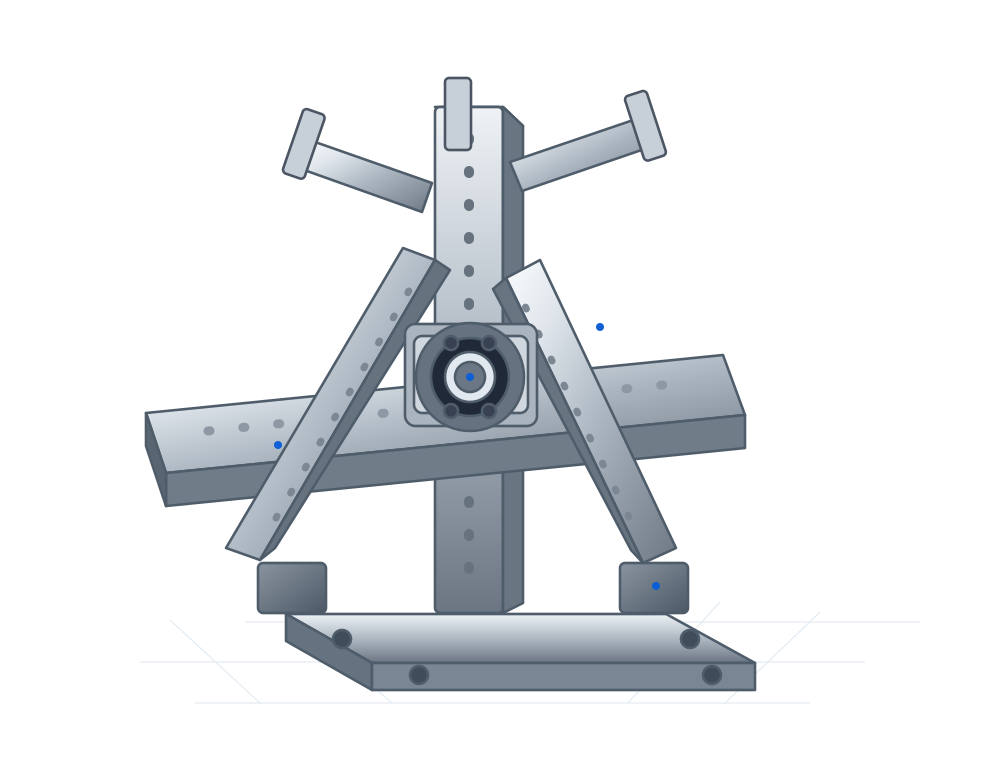
First release shows 5–8 readable sample rows. Unconfirmed fields are not invented. Use the in-cell button to open the current member note.
Swipe horizontally to view the full list.
| View | Code | Name | Spec | Material | Qty | Drawing |
|---|---|---|---|---|---|---|
| P-001 | Pipe clamp | DN80 | Q235B | 2 | DWG-PLAN-01 | |
| C41×41 | C-channel | 41×41×2.0 | Q235B | 2 | DWG-SEC-02 | |
| BR-04 | Brace | 41×41×2.0 | Q235B | 2 | DWG-NODE-03 | |
| M12×90 | Bolt set | M12×90 | Grade 8.8 | 4 | DWG-NODE-03 | |
| LC-01 | L-connector | L90×50×5 | Q235B | 2 | DWG-NODE-03 | |
| BZ-02 | Base plate | 120×60×5 | Q235B | 1 | DWG-NODE-04 |
Sample row mapped to plan location and pipe size. Quantity is exemplary, not a purchase quantity.
Sample row mapped to section expression. Length is pending project release.
Sample row aligned with the brace ID on the node detail.
Sample fastener row referenced by the node drawing; washers follow the released node note.
Sample connector row from the example node; hole details follow controlled node drawings.
Sample row mapped to the anchorage node. Anchor specs are in node-design materials.
Compare versions of the same object. Do not show savings rates without basis.
Swipe horizontally to view the version-difference table.
| Code | Name | Change | Rev.A | Rev.B | Note |
|---|---|---|---|---|---|
| BR-04 | Brace | Modify | Length TBD | Locked by node drawing | Updated with node Rev.B |
| M12×80 | Bolt set | Cancel | M12×80 | — | Replaced by M12×90 |
| M12×90 | Bolt set | Add | — | M12×90 ×4 | Matches node thickness |
| C41×41 | C-channel | Modify | Qty 3 | Qty 2 | Updated after layout change |
Differences apply only to sample object N-012 across two versions; no material-savings ratio is derived.
Provide downloads only for real files; otherwise mark as delivery note or pending confirmation.
Purchasing and kitting checks.
Drawing-to-list cross-check.
Installation and detailing traceability.
Change-impact checks.
Downstream logistics if agreed.
Not auto-generated; confirm per project.