



Where it applies
- Support detailing after scheme confirmation
- Installation layout, sections and node expression
- Handoff to node design and BOM
Detail design starts from a confirmed scheme and a list of missing inputs—not from drawing supports in isolation. Sample reference object: DEMO / N-012.
Boundary: this page is not an online editing tool; parameters follow controlled drawings.
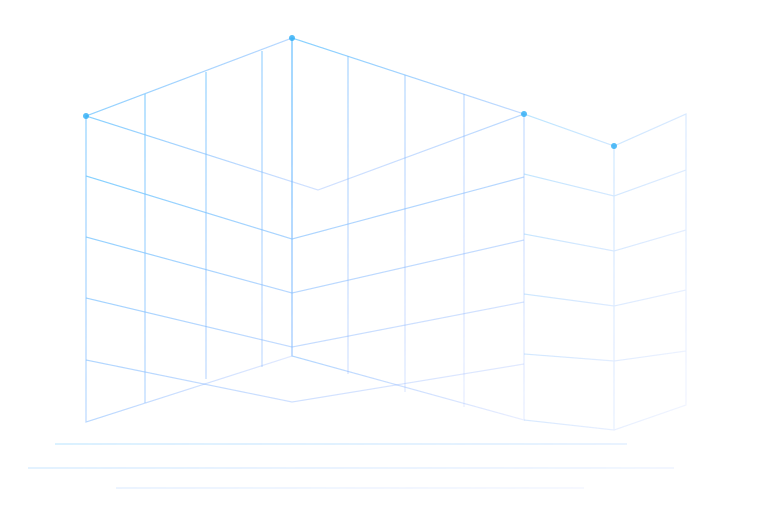
Switch model / plan / section / node views for one reference object. Keep IDs aligned. No fake toolbars.
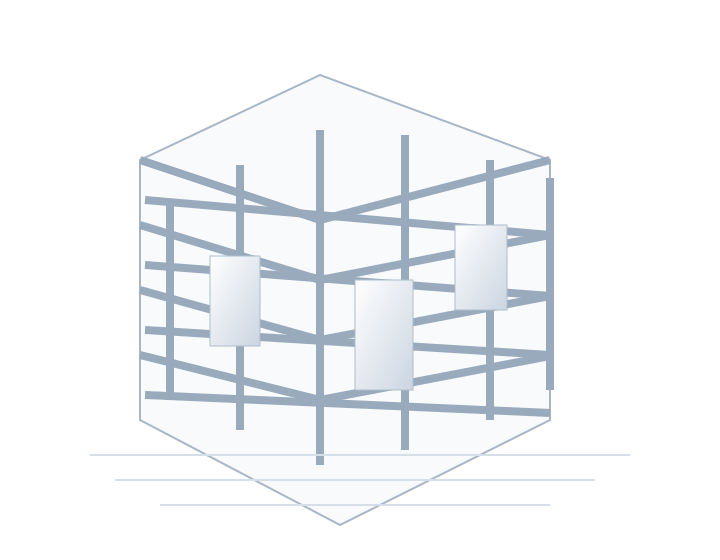
Use the model to confirm location, levels and adjacent systems.
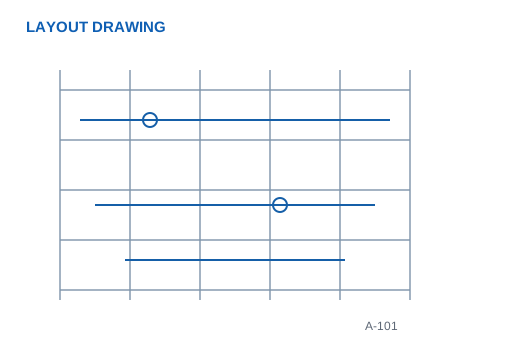
Plans express layout, spacing and ID mapping.
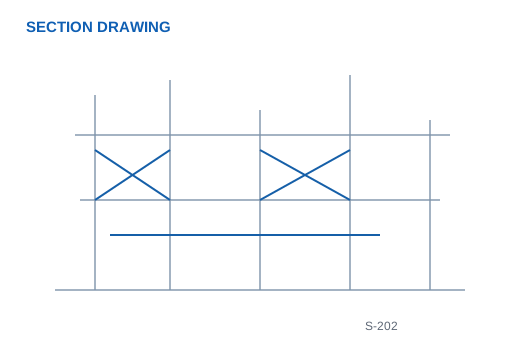
Sections check elevations, tiers and clearance boundaries.
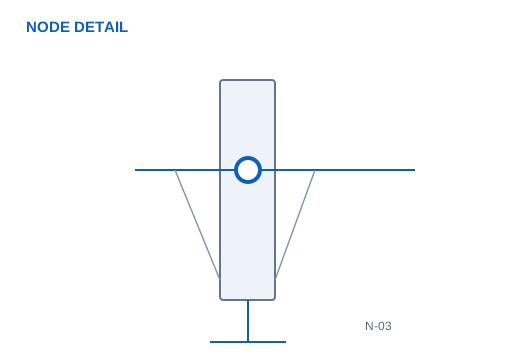
Node views connect details to later node design.
Show one focused before/after example with a clear premise. Both sides remain readable together.
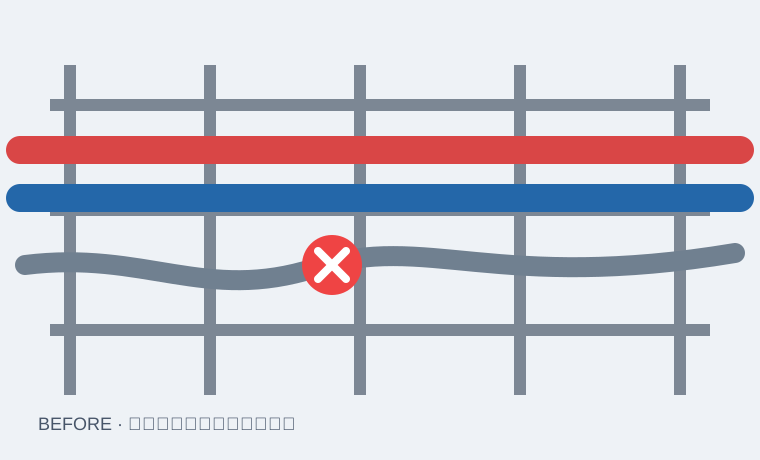
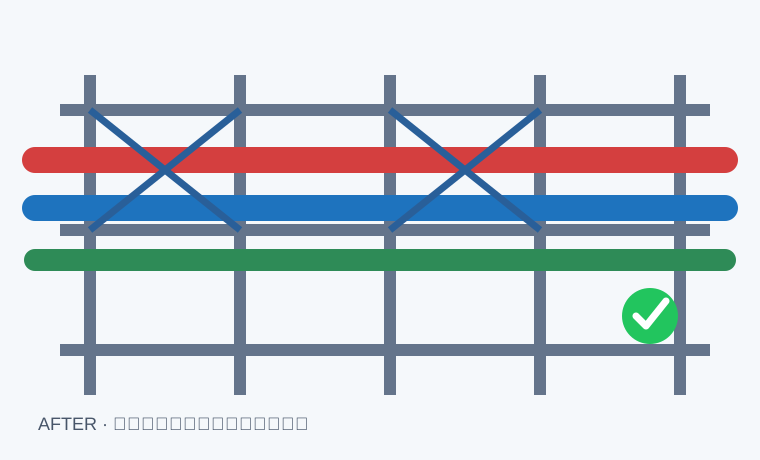
Example premise:Same installation zone and reference object DEMO / N-012; path and node positions adjusted for a clearance clash (method illustration).
Swipe horizontally to view the full comparison table.
| Item | Before | After |
|---|---|---|
| Reference object | DEMO / N-012 | DEMO / N-012 |
| Issue type | Clearance clash | Path / elevation updated |
| Node IDs | Conflict zone unmarked | Traceable node IDs |
| Basis | Method illustration | Reviewed detailing remains authoritative |
Under the example premise, routing/elevation changes and matching node-ID updates make installation executable. The reviewed detailing version remains authoritative.
Clarify review, revision and release relationships. This is not an online approval system.
Check ID, elevation, interface and view consistency.
Update layout, section or node expression from the issue list.
Align with calculation, node design or site interface conditions.
Freeze the version and form a catalogue for installation and production.
Link to node design and BOM without repeating the whole production flow. No download buttons without real files.
Installation layout, elevations and ID relationships.
Node IDs and location entry points.
Adjustment premise and version traceability.
Released file list and status.
Entry for connection detailing.
Entry for member and list output.