



Where it applies
- PV mounting system selection and overall layout
- Seismic support route confirmation
- Utility-tunnel support scheme comparison
Scheme design first organizes the conditions that affect system selection into verifiable inputs and outputs, and states what this phase does not cover.
Boundary: this phase does not replace structural calculation, detail drawings, BIM coordination or BOM output.
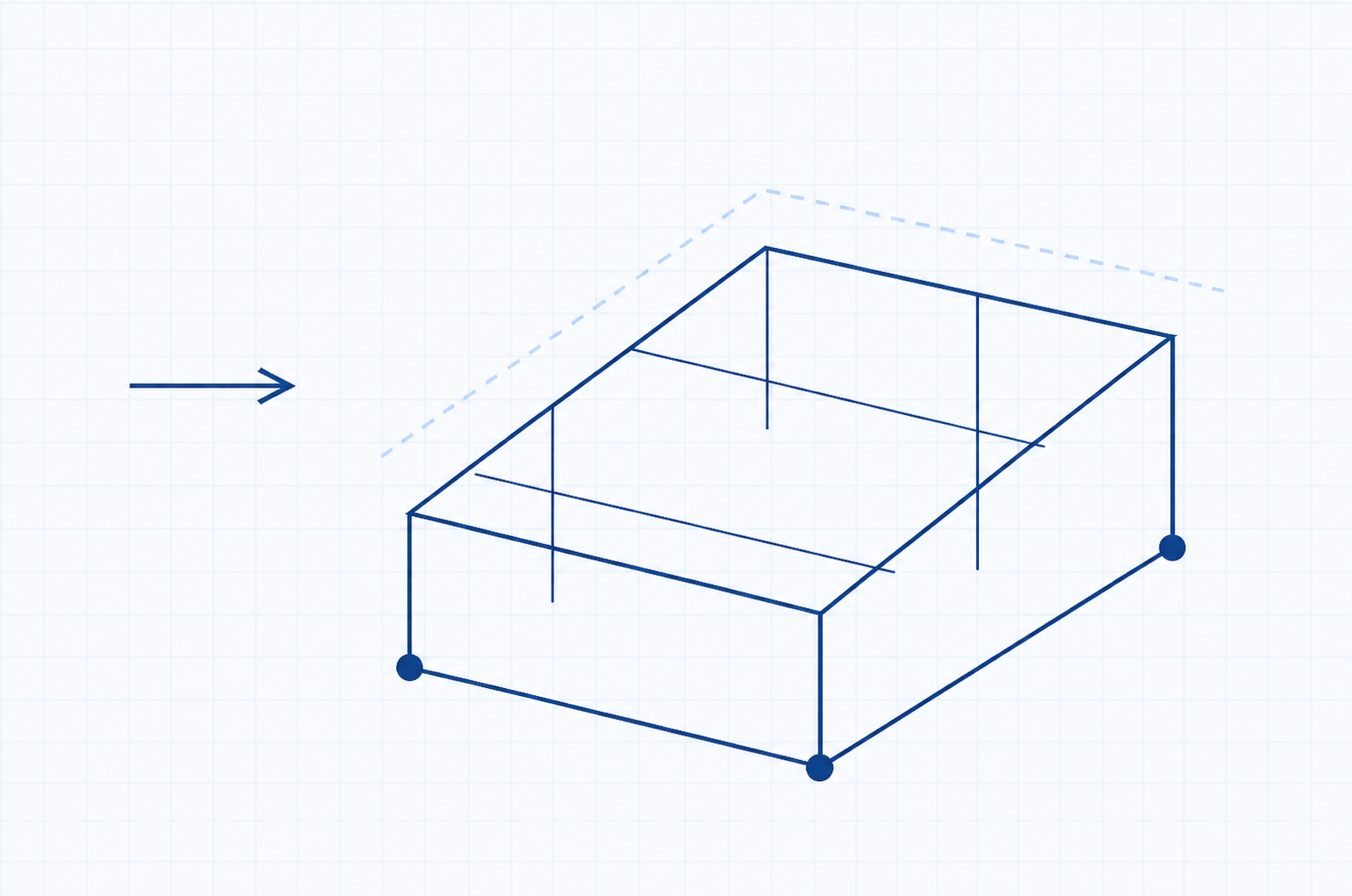
A shared logic identifies load objects and boundaries first, then determines system form and structural path. One focus scene is shown at a time.
Distinguish PV, seismic or utility-tunnel load objects.
Summarize wind/snow, corrosion, temperature and operating context.
Confirm installation space and foundation or host interfaces.
Form a fixed, tracking, hanger or other structural path.
Continue to composition, layout and like-for-like comparison.
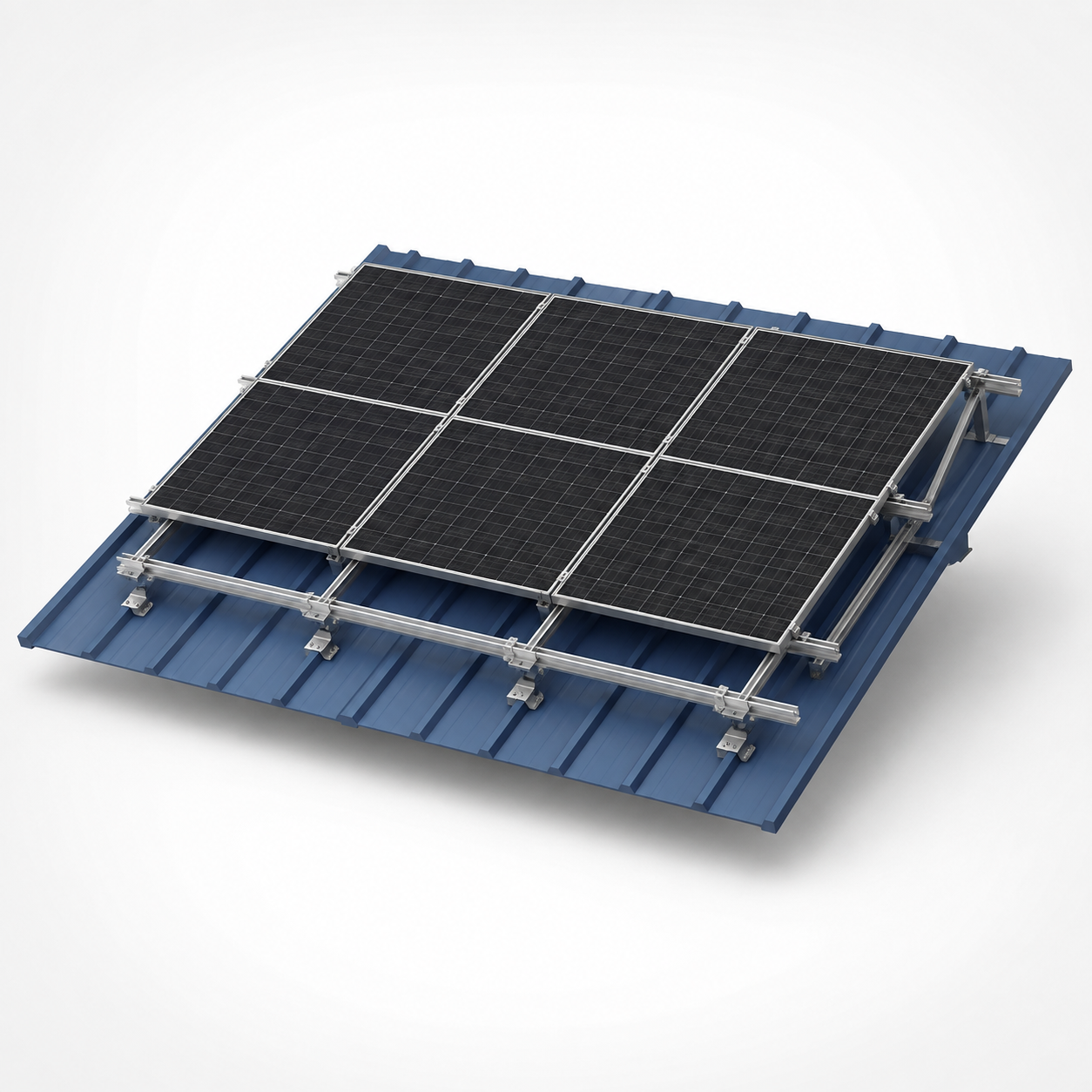
In PV scenes, site and foundation interfaces usually decide fixed, tracking or other layout routes first.
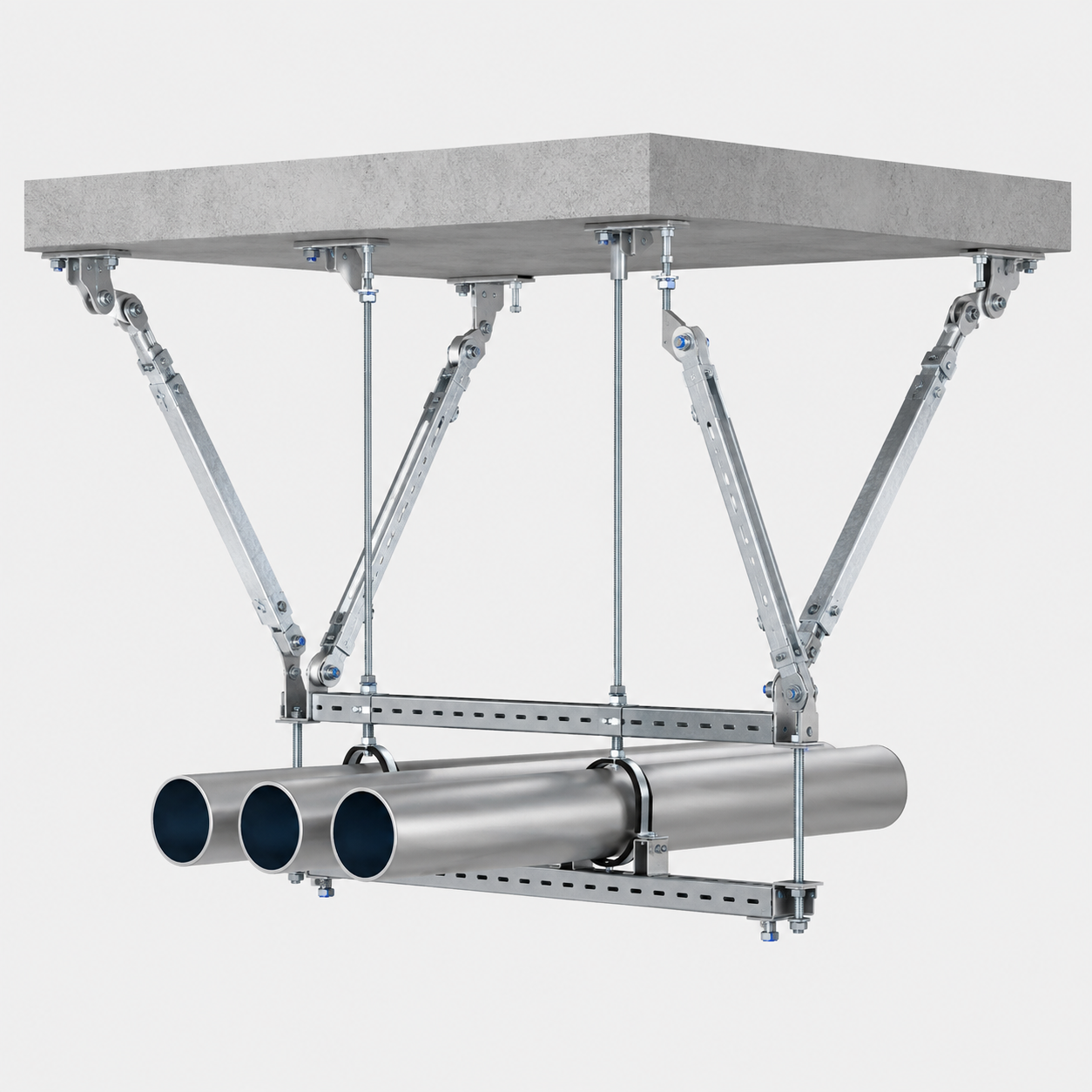
Seismic MEP scenes emphasize clash checks and host interfaces; this page does not provide calculation values.
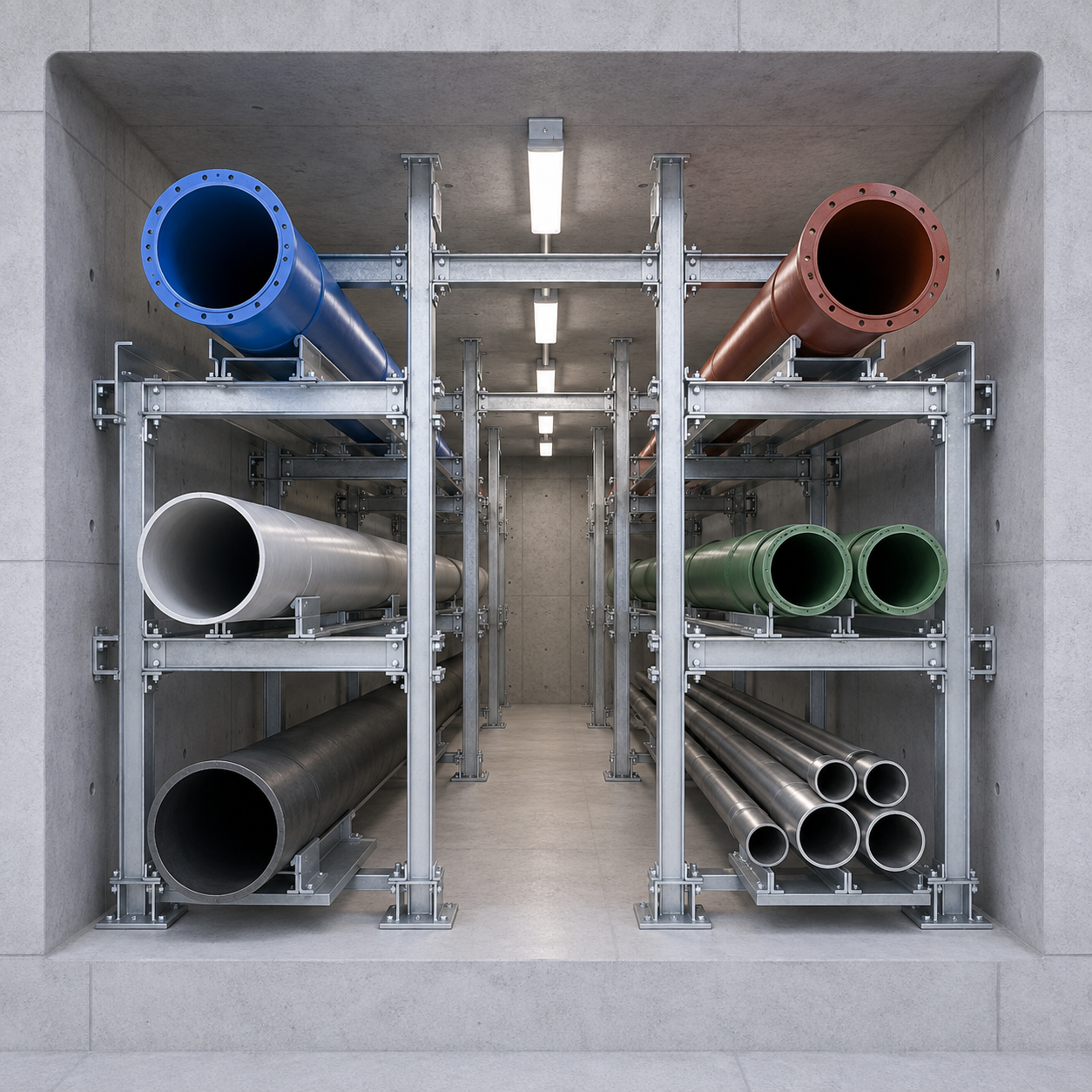
Tunnel scenes treat coordinated layout and access as boundaries; detailed coordination follows in later services.
Keep system composition and project-scale layout in one module: what the system contains, then how it is arranged.
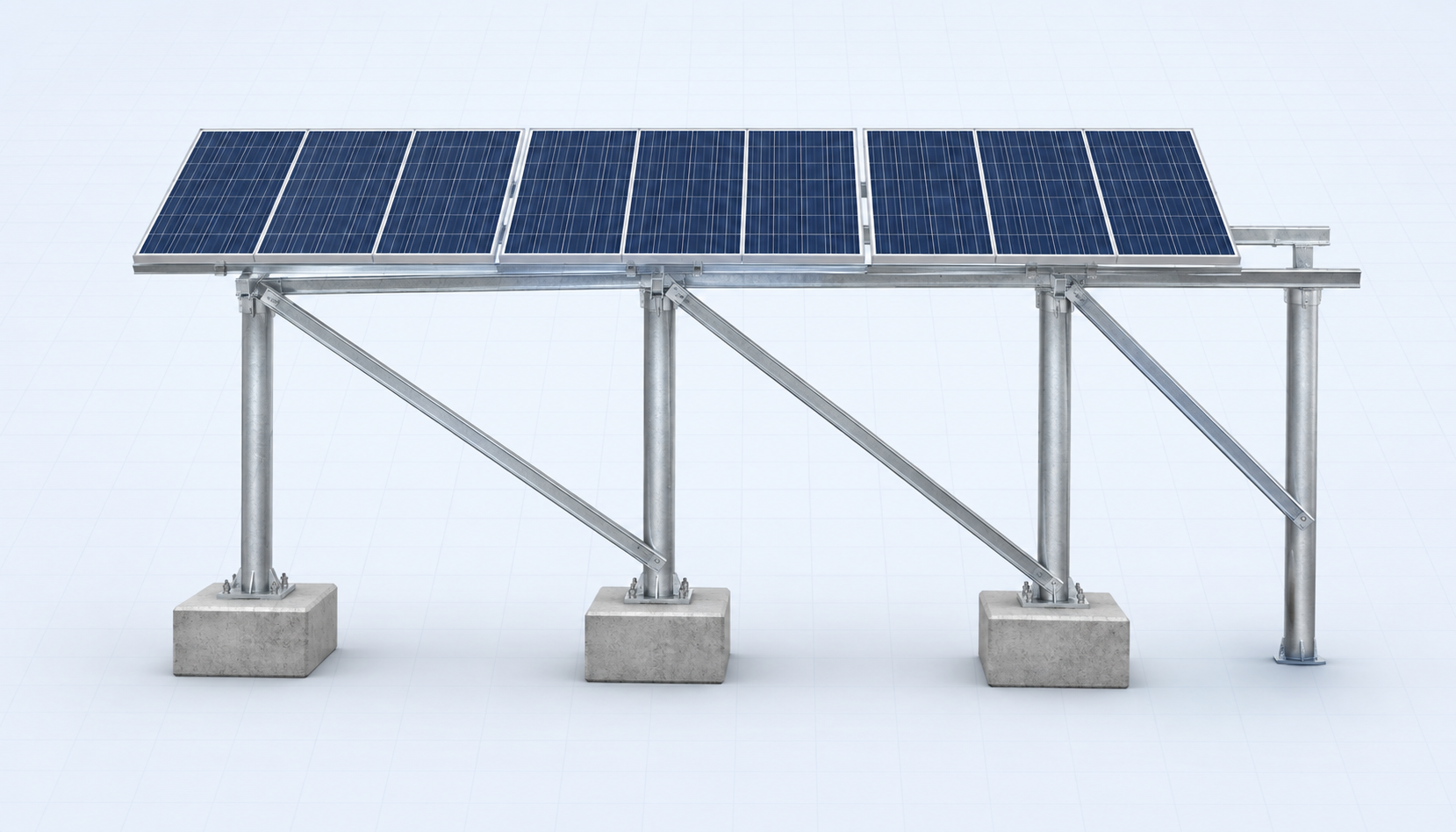
Define the key assemblies and how they transfer load and connect.
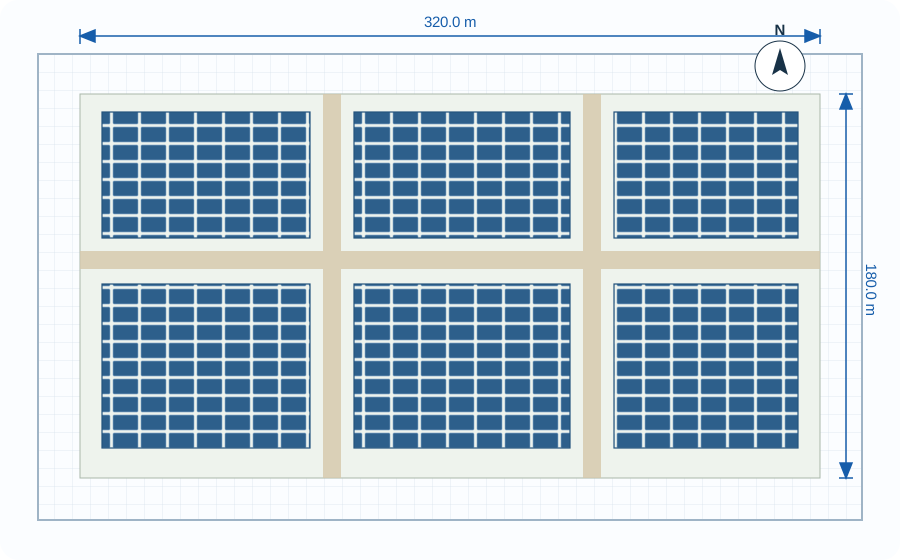
Set arrays, zones, spacing, elevations and foundation grids as geometric boundaries for later work.
The table shows qualitative differences under one shared boundary. Headers are not interactive calculations; any stated preference applies only to the premise below.
Example premise:Mountain fixed-tilt PV project (methodology illustration, not a universal engineering conclusion).
Swipe horizontally to view the full comparison table.
| Dimension | Scheme A | Scheme B | Scheme C |
|---|---|---|---|
| Structural fit | Good | Excellent | Excellent |
| Foundation complexity | Medium | Lower | Higher |
| Material efficiency | Good | Excellent | Good |
| Construction organization | More complex | Highly standardized | Medium |
| Standardization | High | High | Medium |
| Later detailing difficulty | Medium | Lower | Higher |
Under the example boundaries above, Scheme B is more balanced across structural fit, foundation complexity, construction organization and standardization. The final scheme still depends on real project inputs and structural calculation.
Scheme outputs should support the next phase without taking over calculation, detailing, BIM or BOM responsibilities.
Project layout and system boundaries.
Structural path, member system and interfaces.
Layout, elevation, spacing and ranges.
Clarify foundation and host-structure boundaries.
Inputs for calculation, detailing and technical output.
Records comparison basis and example conclusion limits.