


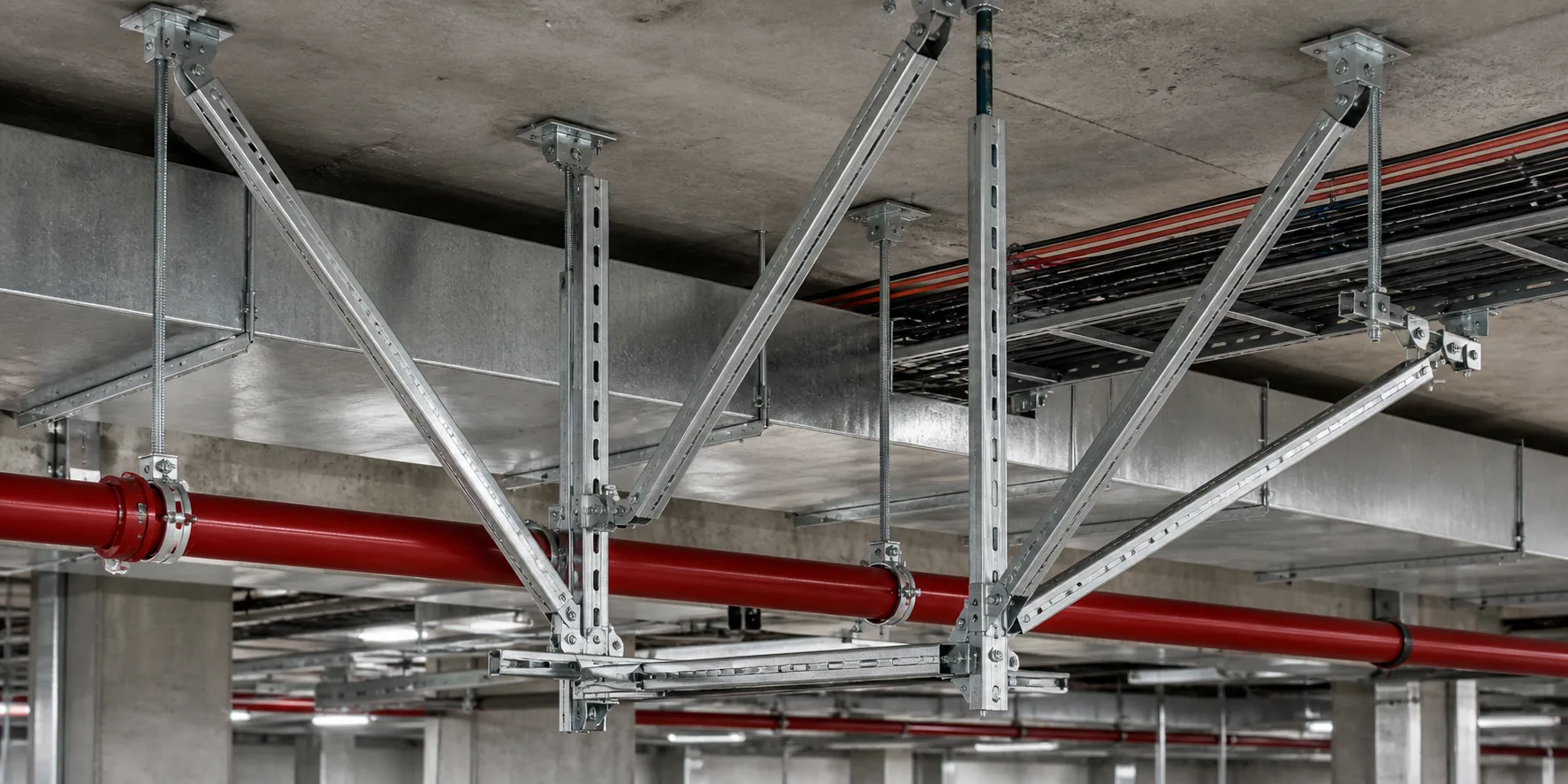
ENGINEERING / NODE DESIGN

Node Design

Under confirmed calculation conditions and site interfaces, select a node and review connection relationships and installation checks.

Interfaces and boundaries for node design

Node design depends on the host structure, members, location and confirmed calculation conditions. Illustrations and construction basis must be read separately. Sample reference object: DEMO / N-012.

Where it applies

  • Beam-column, brace, rod and base anchorage nodes
  • Clamp and integrated support connections
  • Links to structural calculation and detail design

Inputs

  • Confirmed forces and restraint directions
  • Member specs, hole positions and edge distances
  • Host-structure anchorage and installation space
  • Construction tolerance and maintenance boundaries

Outputs and boundaries

  • Node selection and detailing notes
  • Installation steps and review points
  • Node catalogue for detailing / BOM handoff

Boundary: parameters come from reviewed documents; illustrations are not construction basis.
Example
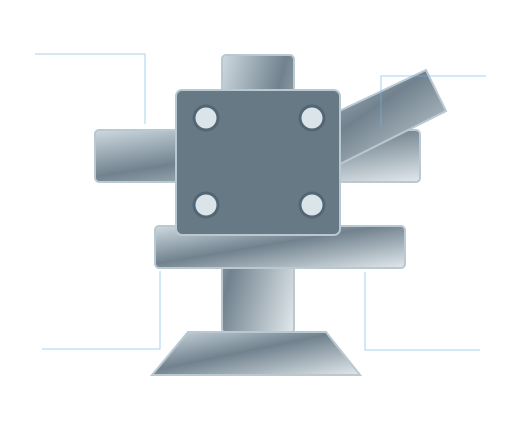
Node design logic illustration
Example: force, detailing and installation conditions closed in one logic.

Choose a node to review

Only nodes with available materials are listed. After selecting, use the button to jump to details—the page does not auto-scroll.
Example
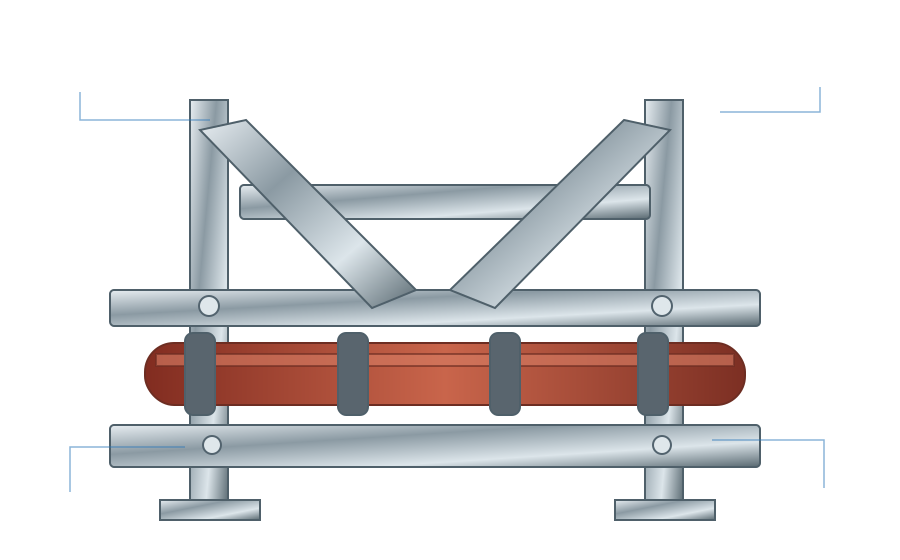
Integrated support node system location illustration
Example: approximate node locations; details follow the selected node panel.

Read connection and installation relationships

Local figures and numbered notes match the selected node. Standard vs project-specific boundaries are noted nearby.
Example
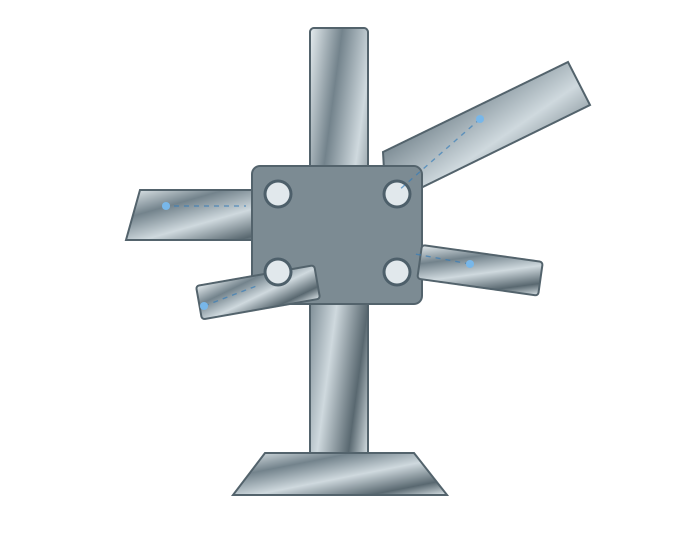
Beam-column node exploded illustration
Example: member relationships at the beam-column interface.

Beam-column node

Current focus: forces, hole positions and installation direction at the beam-column interface.
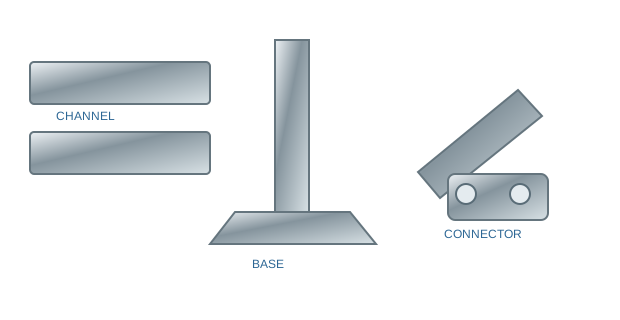
  • 1 Define contact face and force direction
  • 2 Check holes, edge distance and connector specs
  • 3 Confirm installation direction and tool space
  • 4 Separate standard assemblies from project adjustments
Illustration only; hole size, plate thickness and bolt grade follow controlled drawings.
Example
Standard brace node illustration
Example: standard brace-to-channel/connector assembly.

Brace node

Forms a lateral stability path; angle, member and connectors must match calculation conditions.
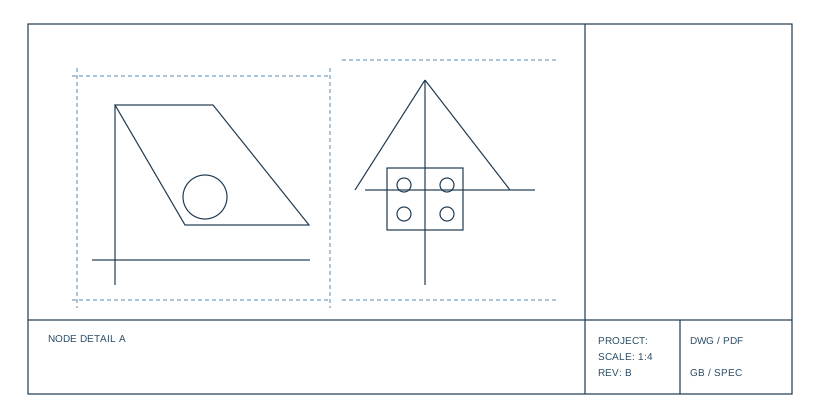
  • 1 Confirm brace angle and member size
  • 2 Check connector seating on the channel
  • 3 Avoid clashes with pipes or equipment
  • 4 Prefer standard nodes; detail only for complex boundaries
Standard nodes are reusable; project boundary changes need parametric adjustment and review.
Example
Hanger-rod node drawing illustration
Example: rod, cross-arm and lock-off relationships.

Hanger-rod node

Focus on rod length adjustment, cross-arm lock-off and upper anchorage.
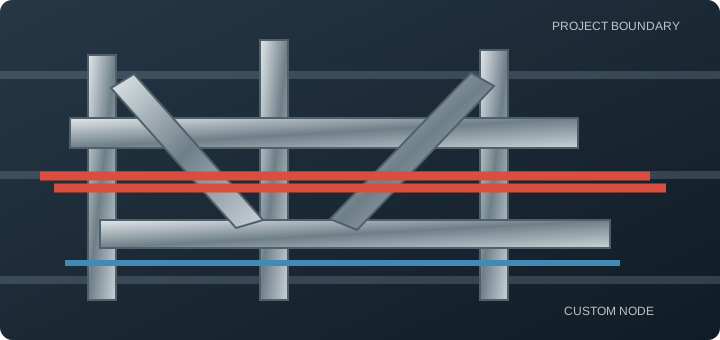
  • 1 Confirm rod length and adjustment range
  • 2 Check cross-arm lock-off and anti-loosening
  • 3 Check upper anchorage and host conditions
  • 4 Keep maintenance access
Torque and lock-off hardware follow reviewed node drawings.
Example
Project base anchorage node illustration
Example: base plate, anchors and host-structure interface.

Base and anchorage node

Define the final force-transfer boundary and verify host connection conditions.

  • 1 Confirm substrate type and anchorage method
  • 2 Check base-plate holes and edge distances
  • 3 Check clashes and openings in the host structure
  • 4 Separate illustrations from construction-basis files
Anchorage capacity and embedment parameters are confirmed with related disciplines and site conditions.

Installation steps and review points

Steps match the current node and members. Torque, hole size and similar parameters follow reviewed drawings.

  1. Set out

    Mark centerlines from detail drawings and check host boundaries first.

  2. Assemble

    Assemble beam, column and connectors per marks, keeping orientation.

  3. Tighten and check

    Tighten per drawing and check hole alignment and gaps.

  4. Record release

    Record site deviations and version; feed detailing or calculation review.

  1. Check location

    Confirm brace end points on layout drawings.

  2. Install member

    Install brace and connectors with correct angle and direction.

  3. Clearance check

    Check access and maintenance space against nearby systems.

  4. Lock version

    Confirm fastening and lock the document version.

  1. Hang and locate

    Hang rods at set-out points; check plumb and spacing.

  2. Install cross-arm

    Install the cross-arm and rough-level it.

  3. Lock and adjust

    Complete lock-off and height adjustment per drawing.

  4. Maintenance check

    Confirm later access and record.

  1. Structure set-out

    Mark anchorage points and verify host boundaries first.

  2. Install anchors

    Install anchors per approved method; record batch and location.

  3. Set base plate

    Install the base and check level and orientation.

  4. Interface review

    Review the interface to upper members, then release.

Released node outputs

Outputs should support detailing and manufacturing. Illustrations and construction basis are labeled separately.

Phase output

Node catalogue

Selected nodes and applicability notes.

Pending authorization

Node details

Construction, holes and connections (controlled drawings).

Note

Installation notes

Steps, tolerances and review points.

Note

Link to calculation

Mapping between force premises and node versions.

Catalogue

Detailing / BOM handoff

Entry notes for member codes and fabrication data.

Note

Version record

Revision and review status.