


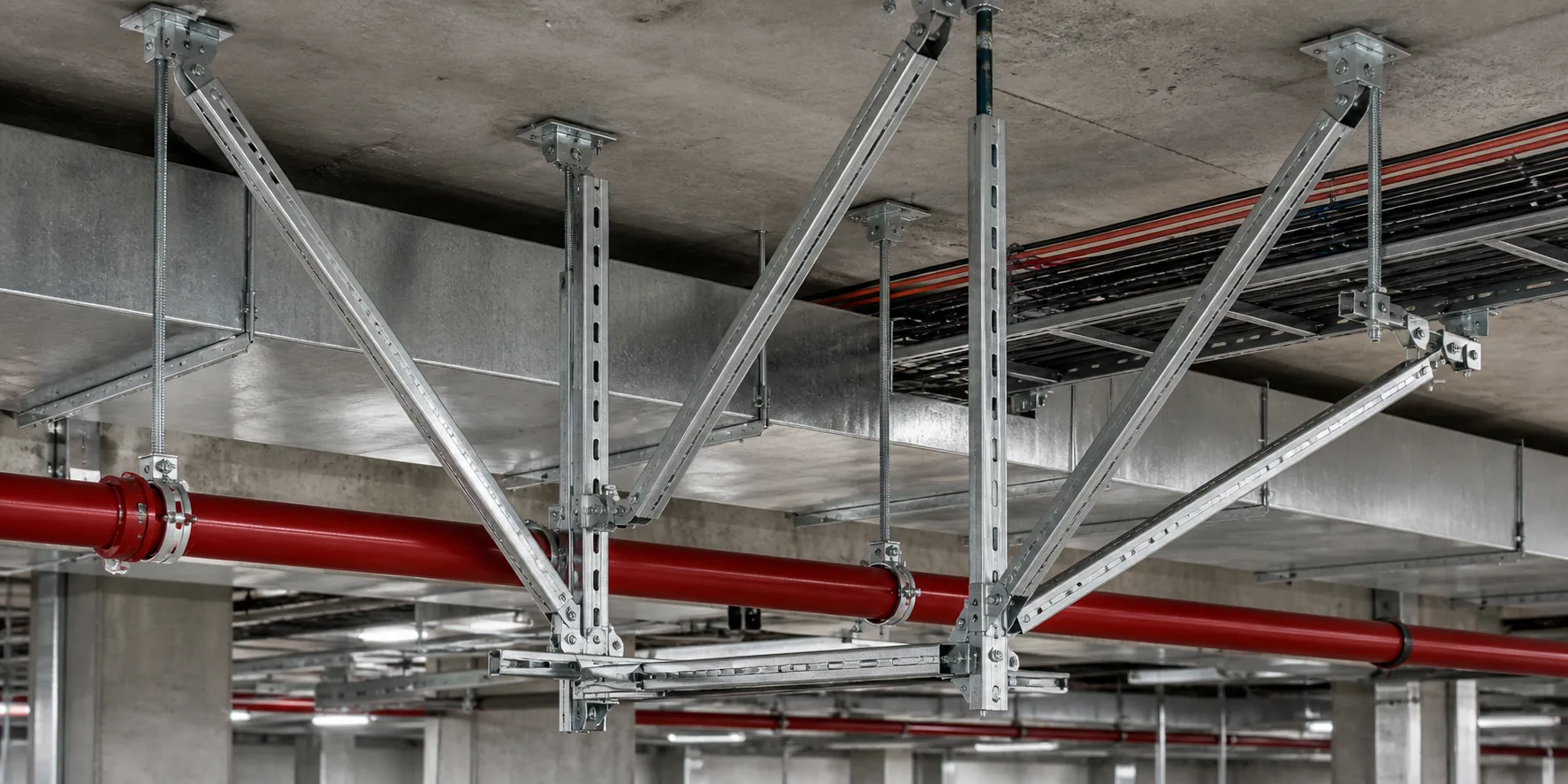
Where it applies
- Multi-discipline MEP and support coordination
- Architecture / structure / MEP model federation checks
- Installation relationships and maintenance boundaries
BIM coordination starts by aligning coordinates, elevations, discipline scope and model versions—before clash review and release—not by comparing “2D vs 3D” slogans.
Boundary: this page is not an online BIM viewer and does not invent unreviewed clash results or material quantities.
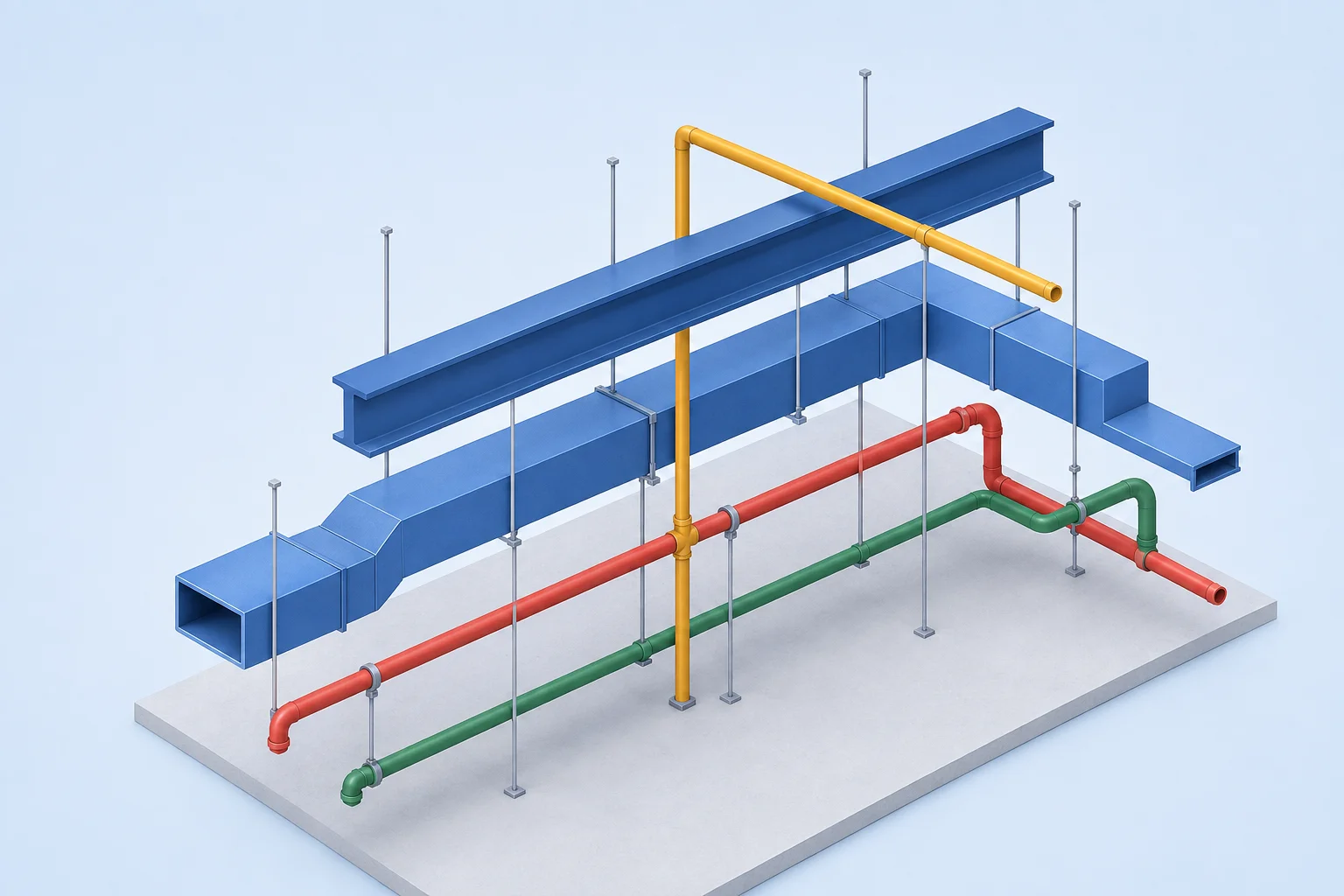
The integrated model shows co-existing disciplines. The legend is static and does not simulate layer selection.
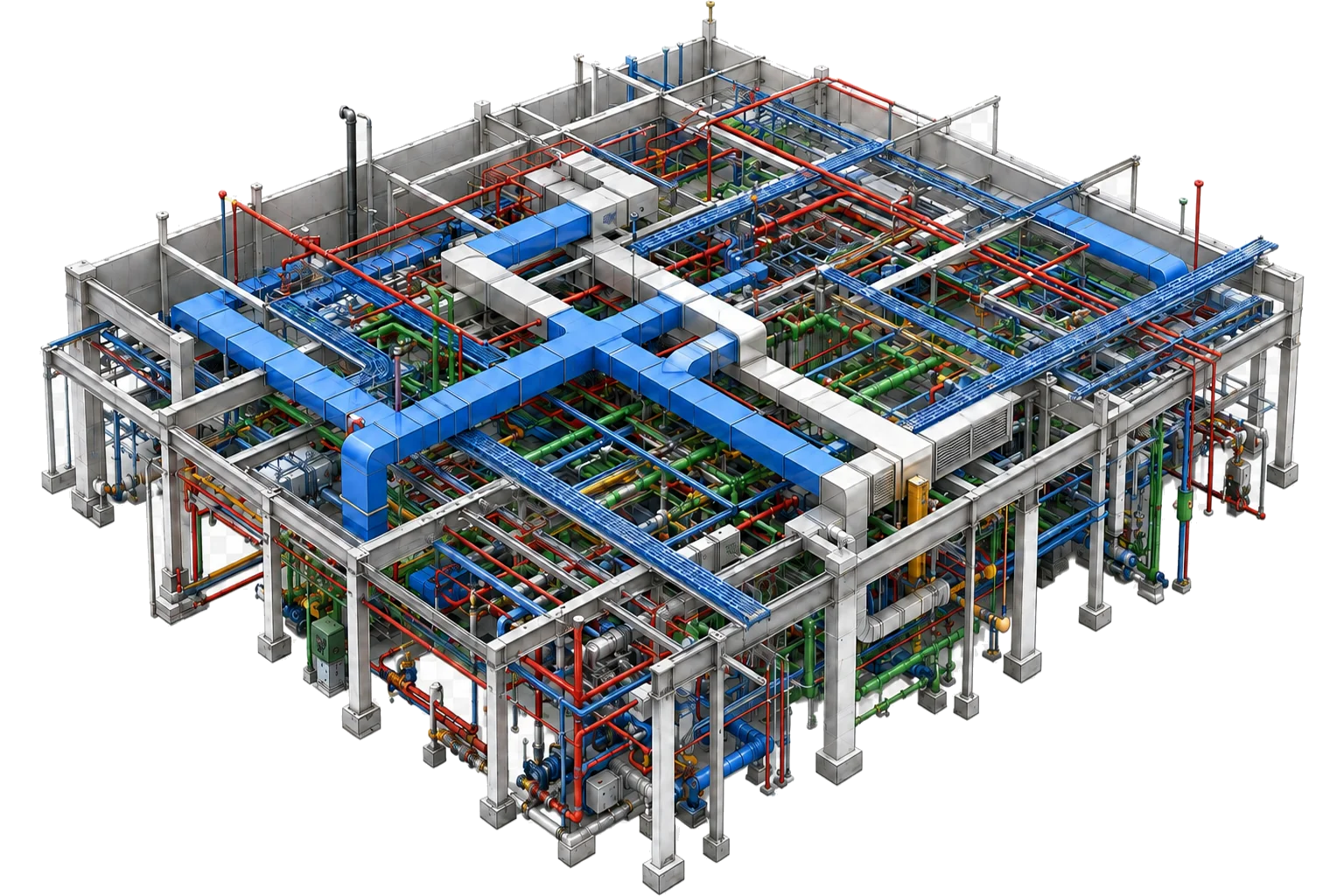
Architecture
Spatial boundary / plantroom clearance
Structure
Beams, columns and slabs / anchorage boundary
HVAC
Ducts / outlets / equipment
Plumbing
Water supply / drainage / rainwater
Fire protection
Sprinklers / hydrants
Electrical
Trays / cables / equipment
Support system
Bearing / anchorage / installation relationships
Selecting an issue updates the hotspot and the detail panel together. This is a method illustration, not an approved project conclusion.
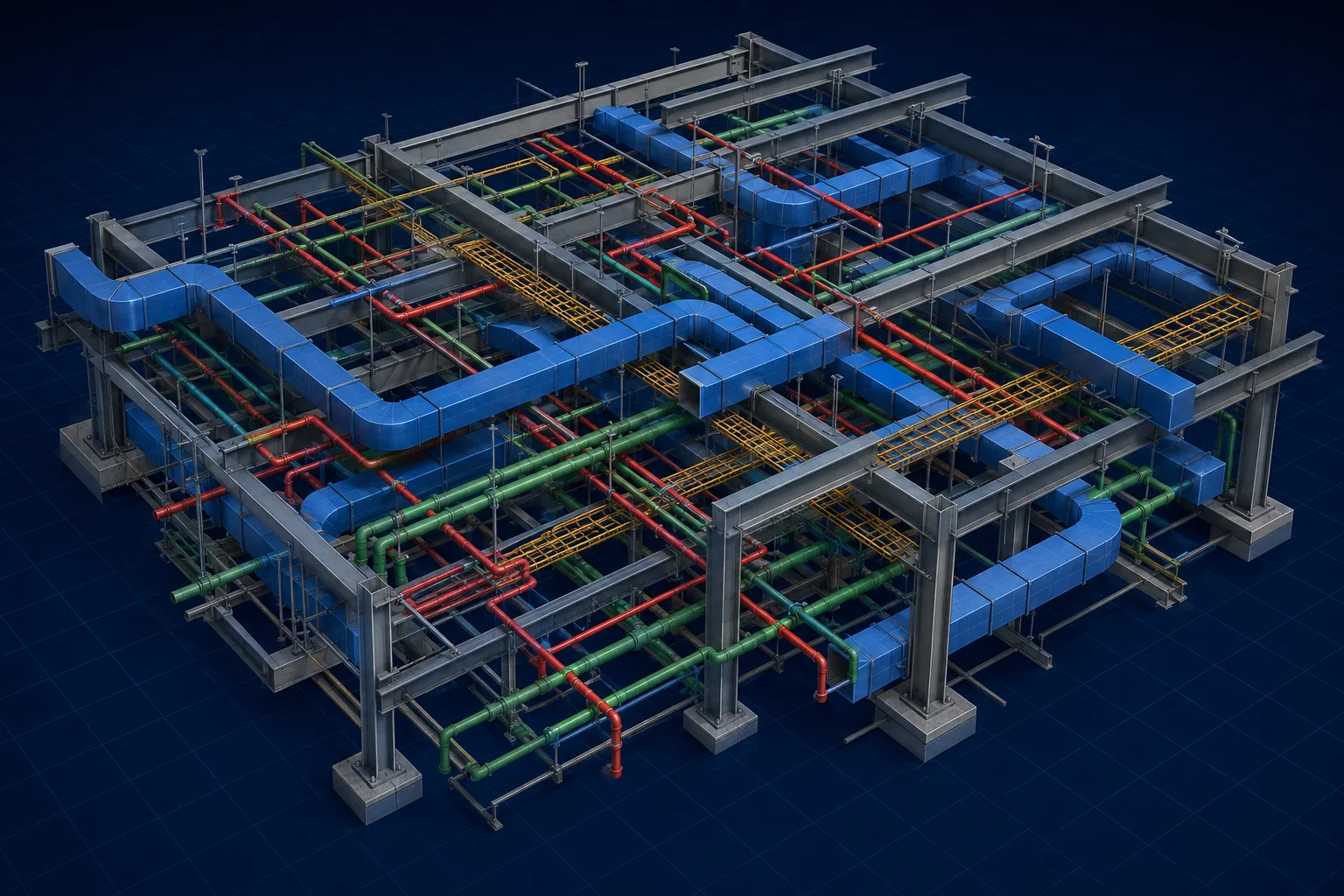
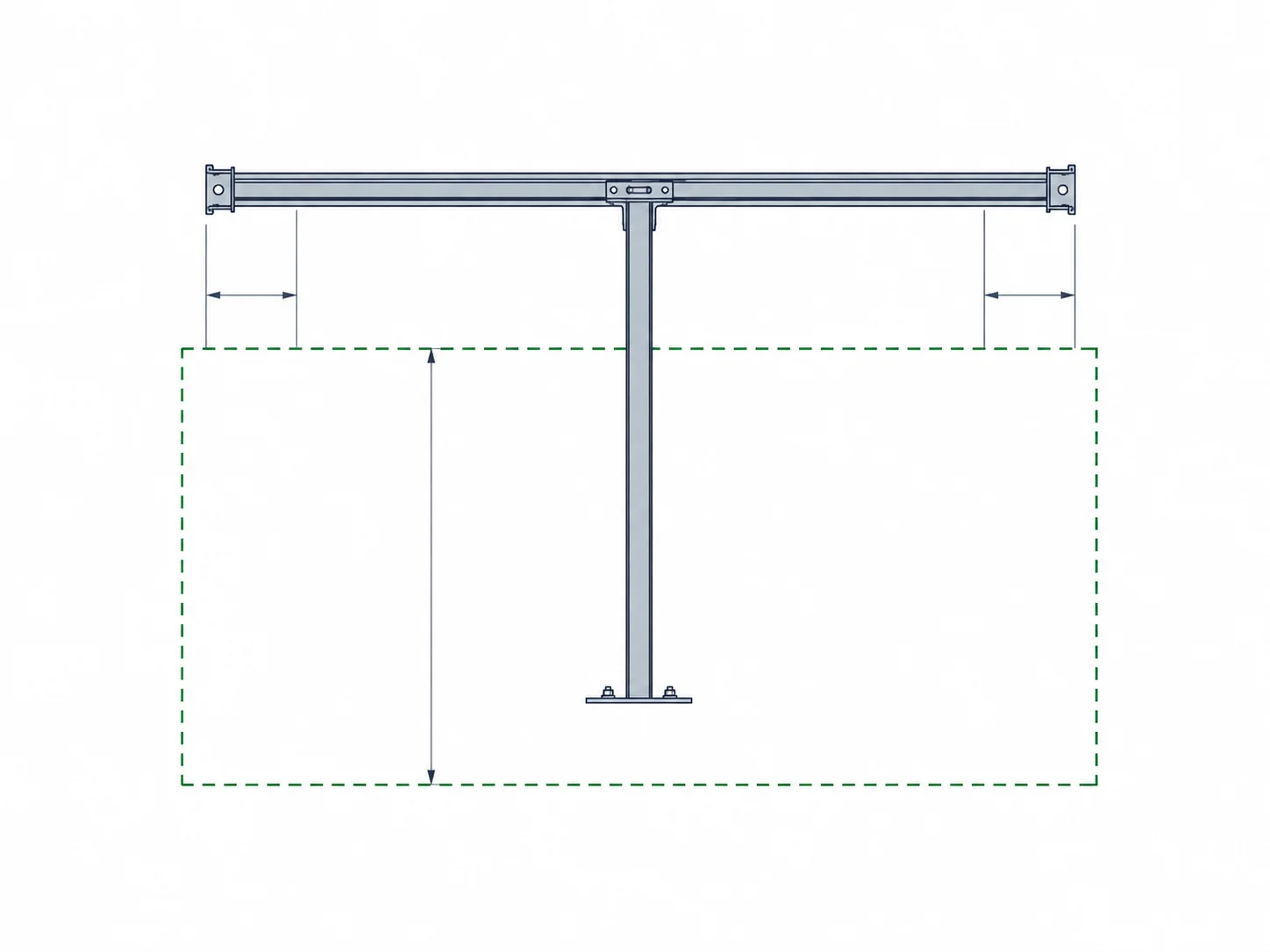
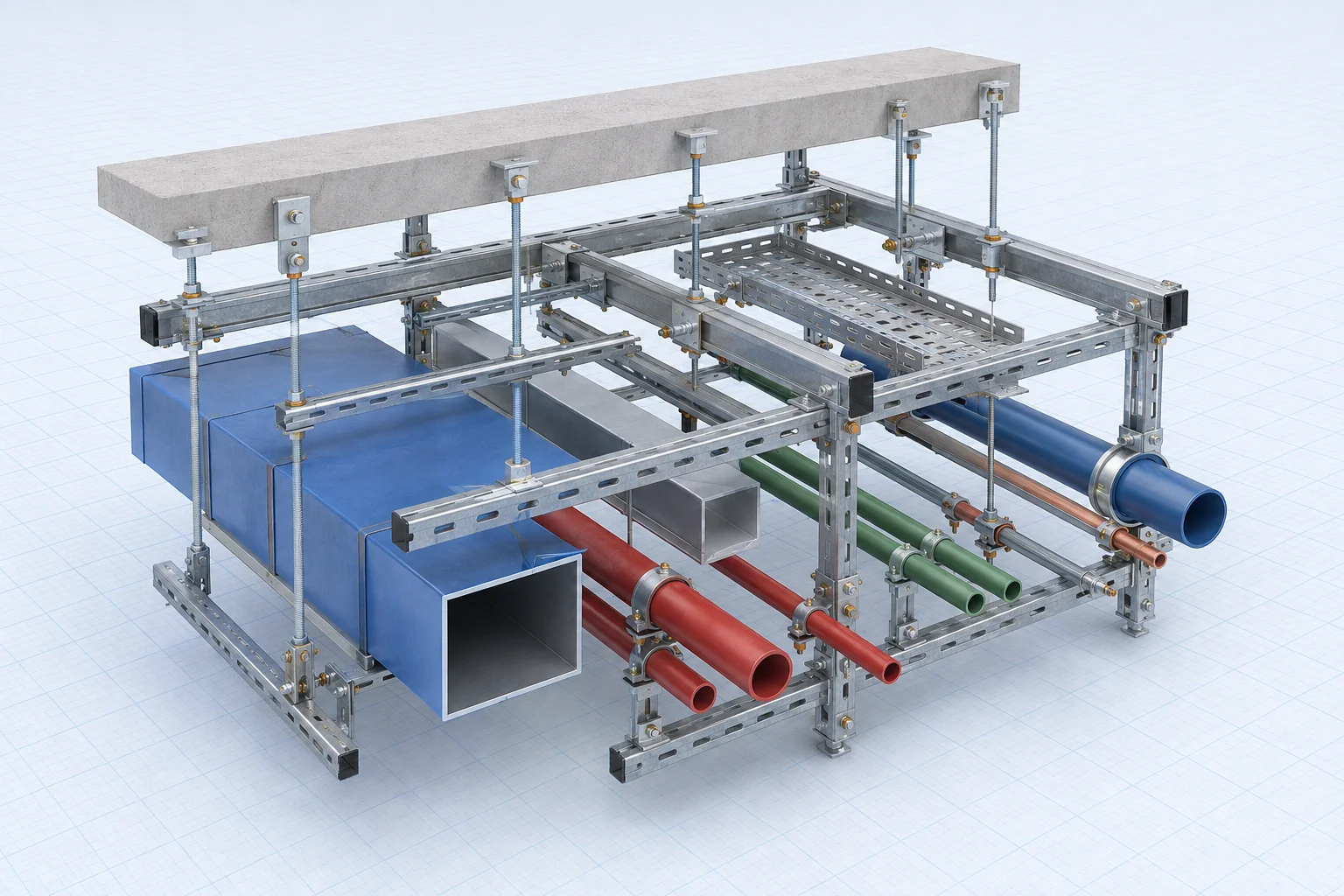
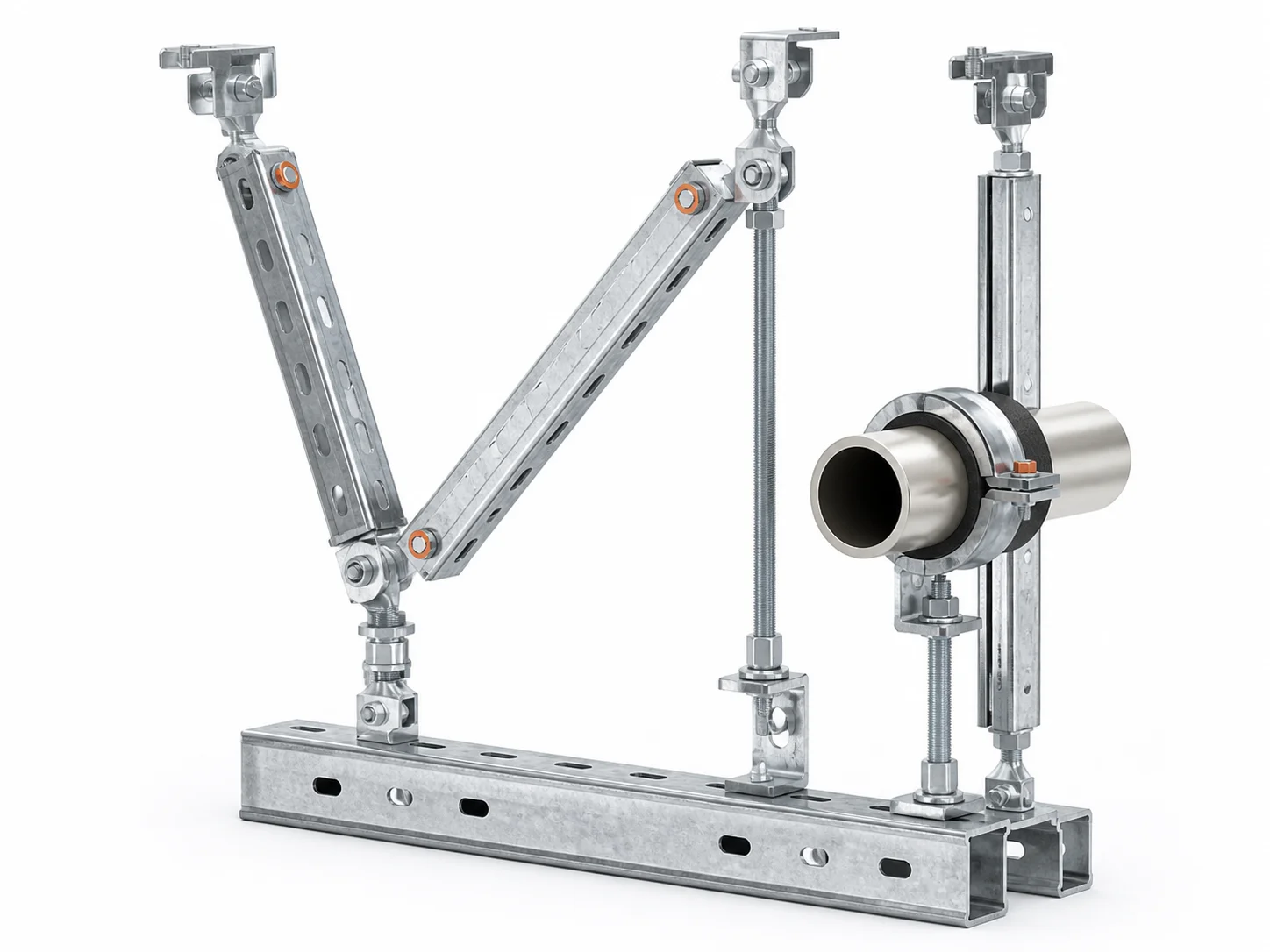

Coordination is a closed loop: find issues, coordinate disciplines, update the model and review until releasable outputs exist. This module does not auto-rotate.
Establish the coordination baseline from discipline models, coordinates and source data.
Check spatial relationships between architecture, structure, MEP and supports.
Locate clashes and form traceable issue items.
Define adjustment principles, responsibility boundaries and sequence.
Adjust routing, elevations, nodes and supports, and confirm installation space.
Check the model again and confirm issue closure.
Form models, drawings and a delivery catalogue for engineering use.
Delivery is explained as a readable catalogue. Material quantities are not replaced by tiny full-table bitmaps. Exact file formats follow project agreement.
3D coordination model / support model.
Discipline relationships / elevations / spatial notes.
Plans / sections / installation layout.
Support nodes / connection and anchorage expression.
Section and member categories; quantities follow controlled data.
Scope note for member lists and production support data.