


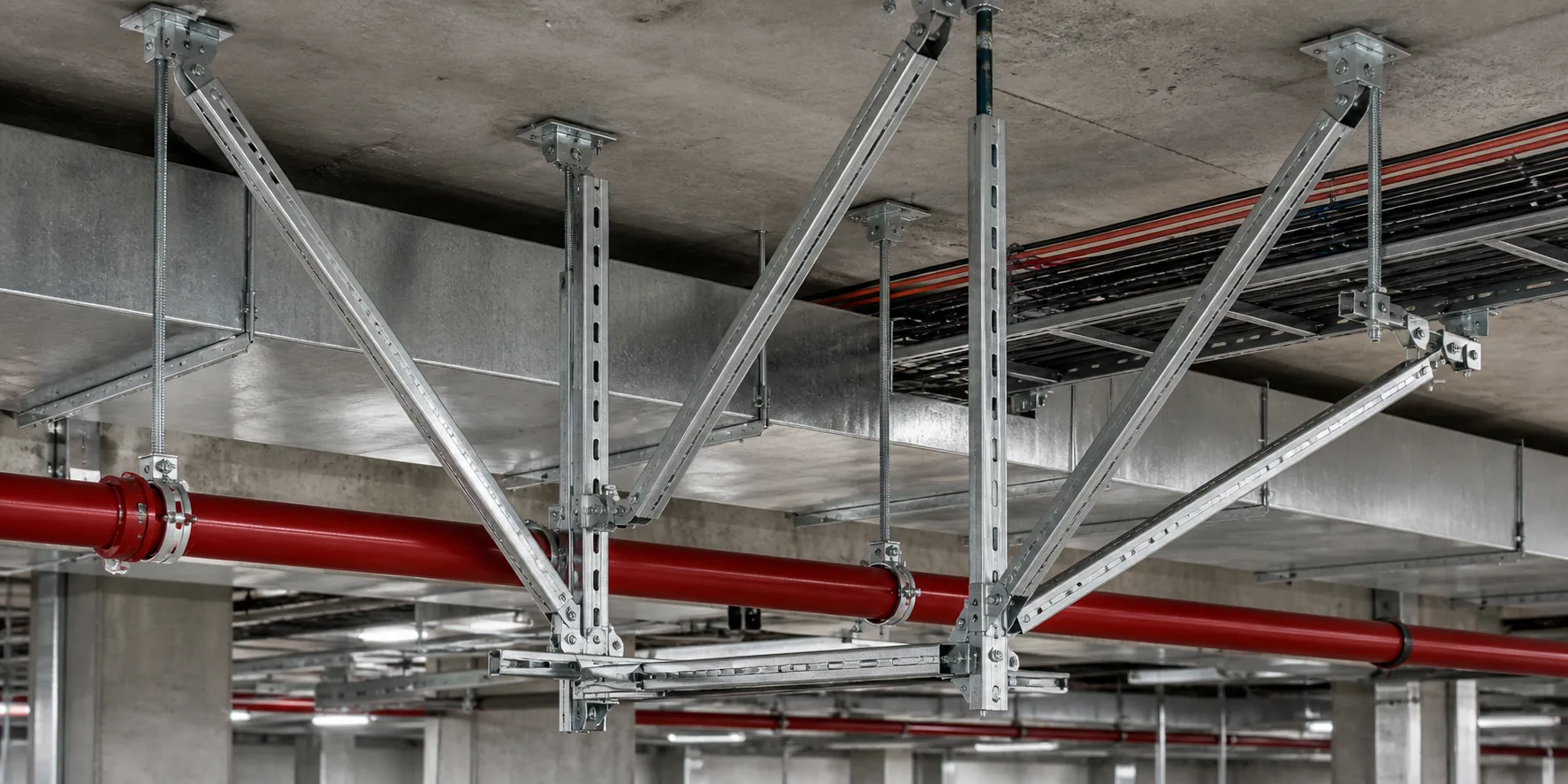
Where it applies
- PV / seismic / utility-tunnel support verification
- Member, connection and anchorage check scope
- Feedback links to node design and material optimization
Calculation starts from engineering conditions, not member selection. Clarify load sources, constraints, materials, basis and missing data first. Feedback may align to sample object DEMO / N-012.
Boundary: this page does not generate result values, contour plots or pass/fail stamps.
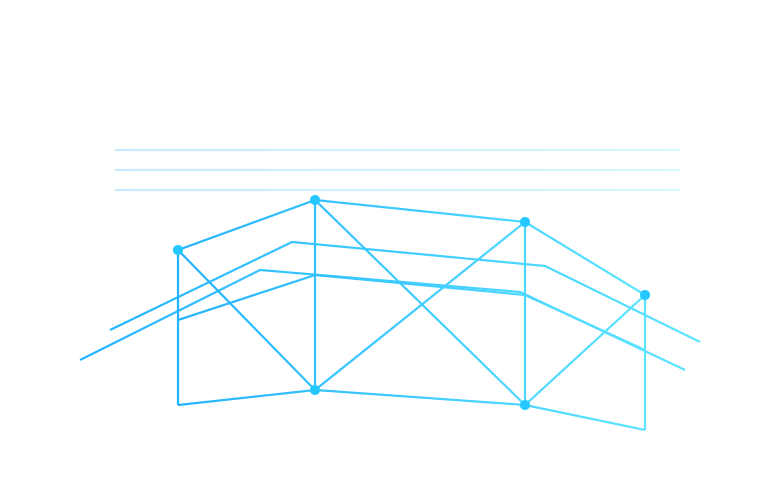
The same structure must be understood under different applicable cases. Selecting a case only updates markers and notes—it does not compute values.
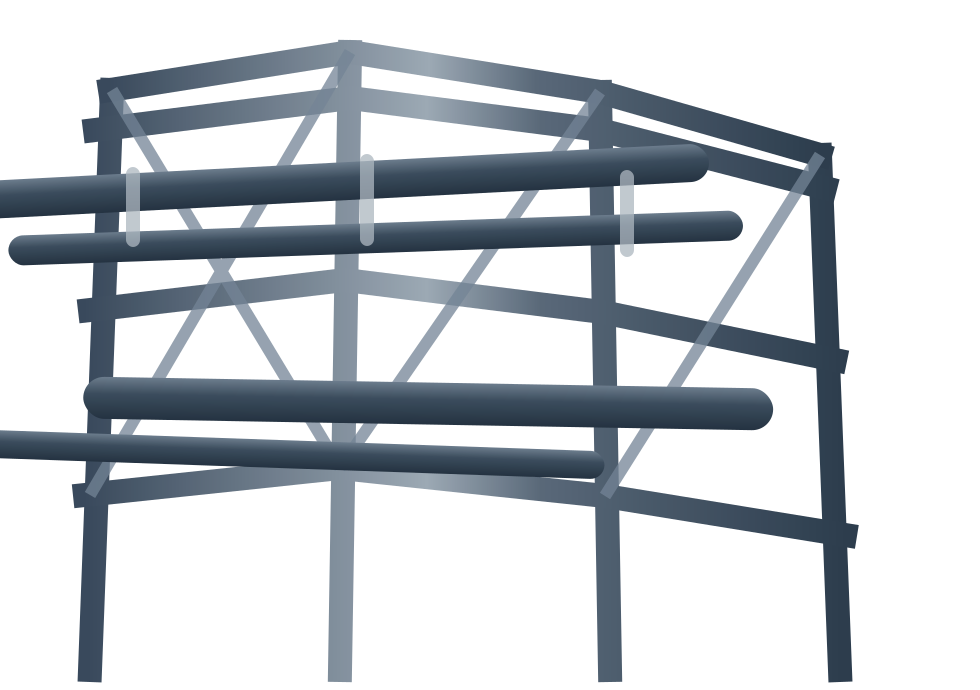
Shows members and boundaries to watch under normal use. No invented project numbers.
Marks lateral load-path locations to check. No wind-pressure results.
Highlights connection and anchorage check locations. No pass/fail fill-in.
Show what must be checked—do not pre-fill pass conclusions. Local figures explain the objects.
Swipe horizontally to view the full check matrix.
| Object | Focus | Note |
|---|---|---|
| Member strength | Axial / bending / combined | Checked with project sections; no values on this page |
| Stiffness / deformation | Deflection / displacement trend | Lists the check—no limit judgment here |
| Stability | Compression members / bracing | Locate weak points for calculation confirmation |
| Connections / fasteners | Shear / tension / local bearing | Feeds back to node design |
| Anchorage / host interface | Substrate / anchorage conditions | Confirmed with related disciplines and site conditions |
The matrix lists check items only; compliance belongs in controlled calculation documents.
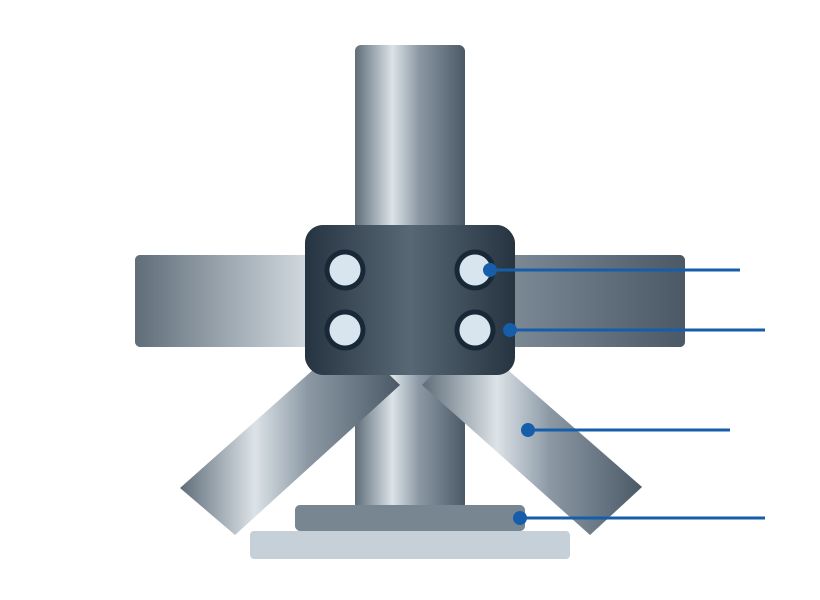
Find, adjust and review form a closed loop with node design and material optimization.
Identify weak members, connections or missing boundaries under applicable cases.
Adjust sections, spans, bracing spacing or connection forms and update the model.
Re-check with the same basis and confirm closure.
Pass connection and specification conclusions to node design and material optimization.
Show redacted samples only when authorized; otherwise show a catalogue and boundary notes.
Inputs, basis and scope notes.
Applicable cases and combination basis.
Index of objects and conclusion locations (no values here).
Check summary linked to node design.
Notes on section, span or node changes.
Document versions and review status.
Output boundary: no invented calculation results or approval stamps before authorized redacted materials exist.